End-to-end encrypted payloads
Chat messages and file contents are encrypted between paired clients. The relay moves encrypted traffic and is not designed to read message or file contents.
Private chat and encrypted file transfer for two people who already trust each other. Pair once, keep the contact saved, and drag files into the conversation when you need to move something securely.
Secure Pair is designed for one person to invite another specific person, then keep that saved connection available for future chats and transfers.
Chat messages and file contents are encrypted between paired clients. The relay moves encrypted traffic and is not designed to read message or file contents.
A licensed user can invite a trusted contact. That contact can keep reconnecting to the inviter, while inviting additional contacts requires their own license.
When both paired computers can reach each other locally, file contents stream directly between them. If the network blocks that path, Secure Pair falls back to encrypted relay streaming.
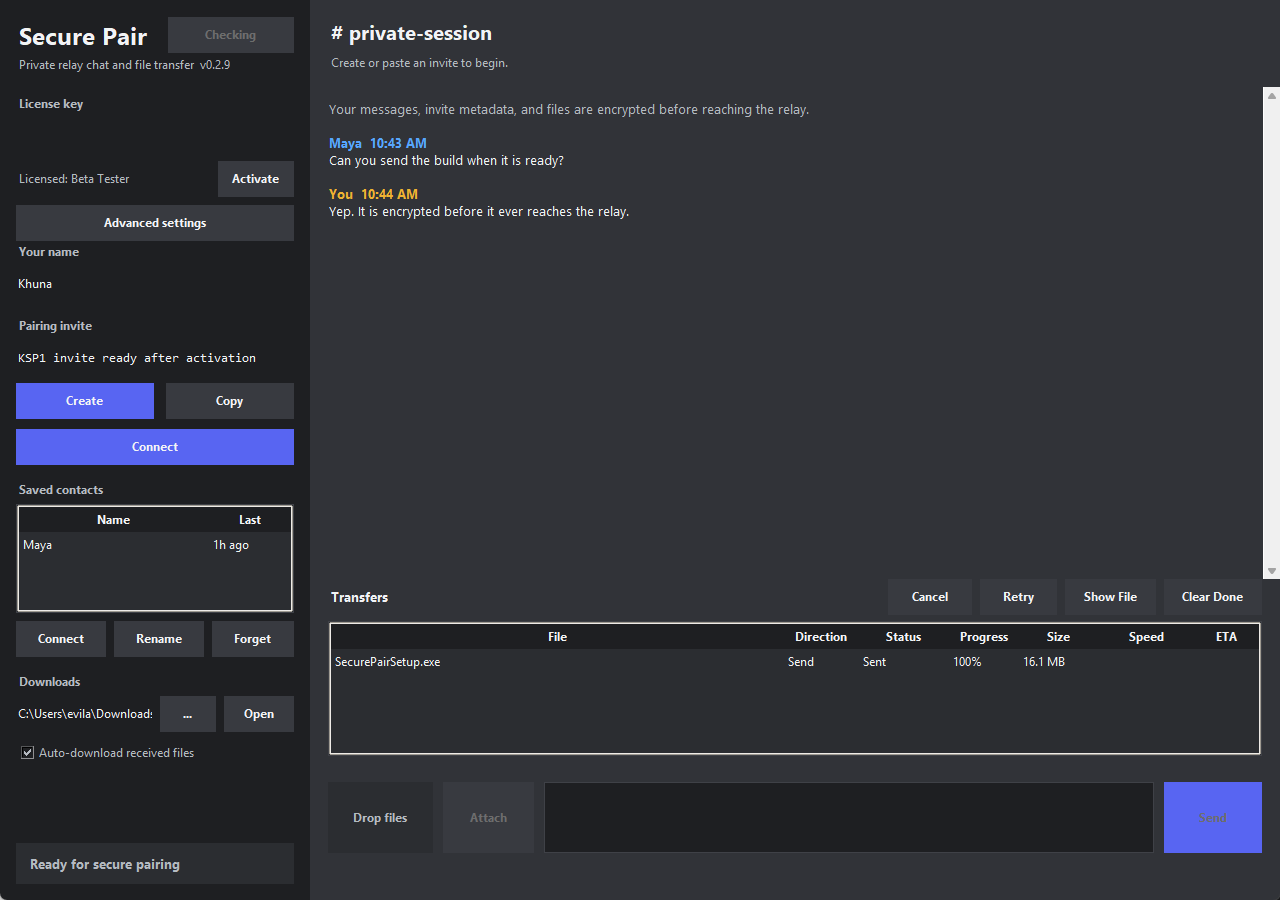
The app keeps saved contacts on the left, conversation and transfer activity in the middle, and setup controls close by without making the normal flow feel technical.
New installs can start a 48-hour trial for one saved contact after creating or logging in to a Khuna Labs account. Paid licenses unlock invite creation and are issued automatically after checkout.
Install the latest release, start a 48-hour trial or activate with your license key, then create or accept a pairing invite.